Holiday Gift Ideas from Blogger Melissa Cartier: Coffeetable Books & Photographic Albums

Hi everyone, Melissa from Melissa Cartier here!

On my blog, I recently shared my process for developing all of my photos quickly and directly from my phone using the London Drugs Photolab App! After hearing how much I love their app, the lovely team from London Drugs asked if I’d like to talk about some of the creative products their Photolab has to offer. The first thought that popped into my mind was trying some of them out by tackling a few names on my Christmas list and I quickly agreed.

One person on my list that I have a really tough time buying for is my Dad. His Christmas list every year is black socks and golf balls. I wish I was kidding. While I don’t mind working from a Christmas list I can’t say I’m eager to buy him black socks every year. Besides, isn’t the best part of Christmas shopping finding thoughtful gifts that have meaning behind them? One of my favourite gifts to get for my dad is a framed photo. Two years ago it was a photo from my wedding and last Christmas it was a photo of him and my son.
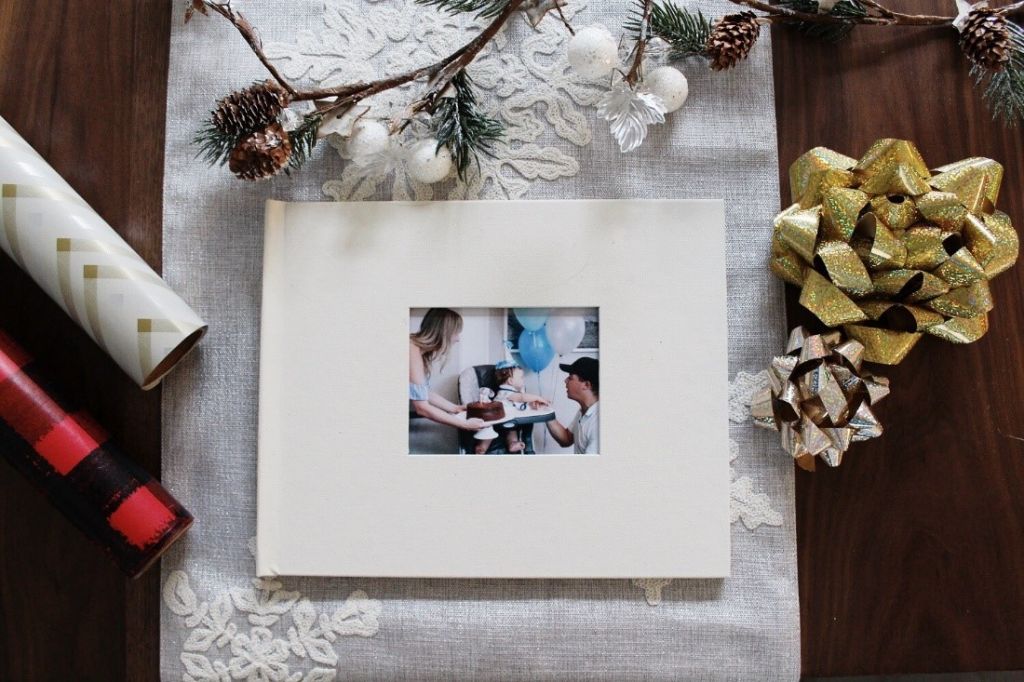
After scrolling through all of the creative products I could make in the London Drugs Photolab App (how fun would it be to make a recipe book or a book of Instagram photos for a gift?), I settled on a Coffeetable Photo Book. I loved the traditional look of the Photographic Albums as well. It didn’t take me long to create a quality book full of our favourite memories from this past year all from photos on my phone. I really liked that I could choose a layout for each page and while I had the option of including text, for this book I wanted more of a picture book feel. I chose a 10×8 muslin cloth book with a window for this project, but on my next one I think I’ll get a custom photo cover because those look really impressive

If you have a photographer, or just someone in your life who is sentimental like I am, these photo books are both fantastic gift options.
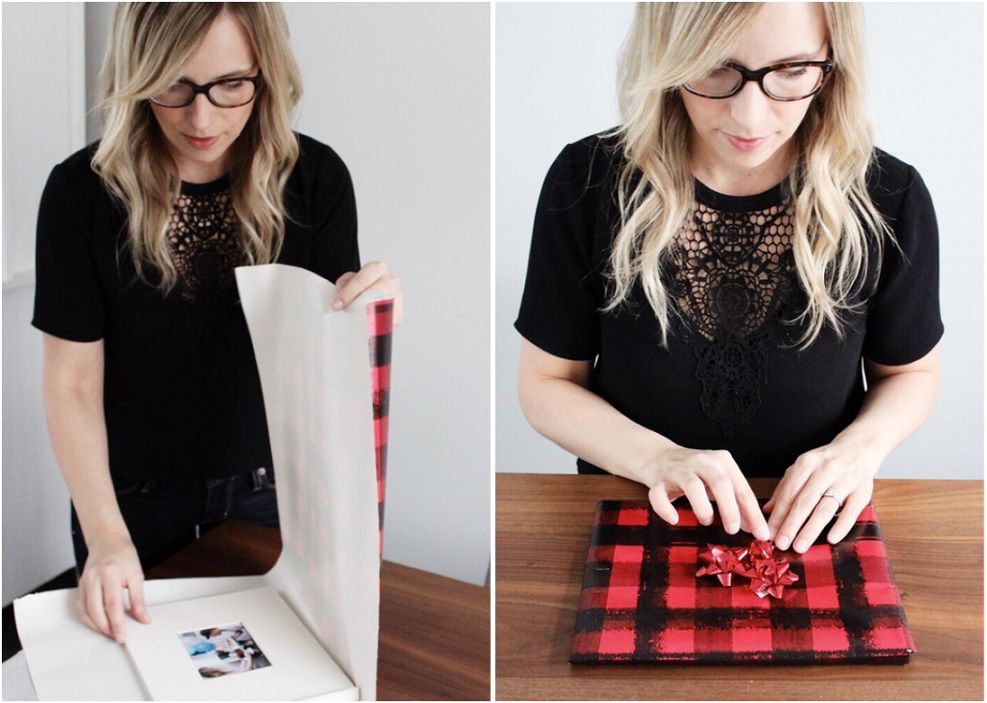
My Coffeetable Photo Book was ready in 5 days and I’m so happy with how it turned out! The quality of the pages didn’t disappoint, and I know my Dad is going to love flipping through all of the memories our family has created this year.
XBox One X

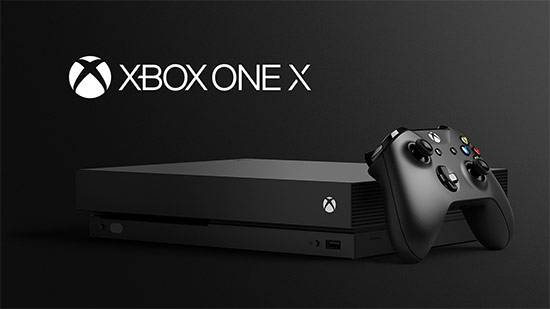
With the launch of the anticipated new Xbox One X, there’s been a lot of talk about the benefits of this new model – but is it really worth the wait, or the price tag? Before investing in Microsoft’s latest, greatest console, be sure it’s going to meet your gaming needs instead of ending up just another expensive block in your game of console cabinet Tetris.

Graphics Processing, HDR and 4K Capability
With the Xbox One X, you get HDR and 4K capability… but you got all that with last year’s Xbox One S, and Playstation 4 Pro offers HDR and 4K upscaling as well. The One X is an upgrade compared to the One S and PS4 Pro, featuring an improved GPU and the newest hardware upgrades, but consider whether an incremental improvement here is really worth shelling out when consoles already on the market offer the great colour and contrast you get with HDR as well as the ability to upscale content to incredibly sharp 4K video imaging. You’ll see fewer dropped frames with the One X, but unless you’re fanatically dedicated to the highest imaging quality in intensive games, it may not be worth the cost at the end of the day – and remember, image quality only goes as far as the least-capable hardware in your gaming setup will let it; if you don’t have a 4K- and HDR-capable TV, simply upgrading your console won’t give you the amazing effects you’re looking for.

Virtual Reality
The Xbox One X, with its cutting-edge technology and engineering, is fully VR-capable as a console… but the actual hardware to allow immersive virtual reality gaming with the One X just isn’t there yet. Microsoft seems to be depending on outside developers coming up with VR applications for this console, and with the recent discontinuation of the Kinect interface throwing doubt on Microsoft’s commitment to furthering innovative interactive technology, there’s no guarantee that you’ll actually ever see VR games for the One X. Sony, on the other hand, already has a proven, well-received virtual reality application available for use with the PS4 in the Playstation VR, with an impressive catalogue of compatible games.

Backwards Compatibility and Exclusive Titles
The One X features great backwards compatibility, as it’s running on the same software as the Xbox One, and will be backwards compatible with over 400 previous generation titles, including all Xbox One titles. However, Microsoft hasn’t been clear on whether any exclusive releases are planned for this console – while some new titles will be optimized for use on the One X, it currently looks like all new titles will continue to be playable on the Xbox One and Xbox One S as well, meaning you don’t now, and may not ever need to upgrade to the One X to play the newest Xbox exclusives, such as future offerings from the Gears of War, Forza, and Halo franchises.

Portability and Gaming On the Go
If you’re planning on taking your gaming on the road, you may be better off with the Nintendo Switch for the ultimate in console-to-portable functionality. The Xbox One X doesn’t really add any additional options for on-the-go gaming to the existing Xbox lineup – which continues to be strikingly bare of portable options, especially given that competitors Sony and Nintendo have both offered portable options for years.

To Buy or Not to Buy?
At the end of the day, the question of whether to buy into the new Xbox One X boils down to this: Will you really benefit from the improved graphic capabilities of this console?

For the hardcore gamer intent on maintaining the highest frame-rate possible at 4K resolution, the answer may be yes. But if your priorities lie more along the lines of experiencing your games in the most immersive fashion possible, we recommend sticking with the Playstation 4 Pro for its proven VR capabilities and existing catalogue of games. If you’re more into party games, portability, and family-friendly content, you really can’t go wrong with the Nintendo Switch. And if Xbox One-exclusive titles are must-haves, but you just want to get down to business and play your games, it may be advisable to stick with the One S for now, until it’s clear whether you’ll get more than just a boost to graphics with the One X.

View Consoles and more here

Get a Jumpstart on the Holidays with Personalized Greeting Cards

The Holidays may seem like a ways away still, but every year the same thing happens: you blink, November is almost over, and you’re suddenly scrambling to get all your holiday to-do’s done. Why not make this the year you get a jumpstart, and save yourself the stress in December?

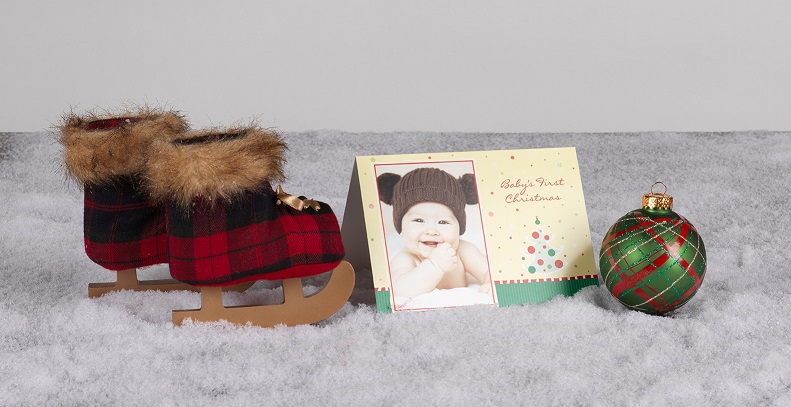
If there’s one item you may want to get working on sooner rather than later, it’s holiday greeting cards – especially if you’re planning to send them off by mail to friends and family. Rather than picking out a generic set of cards to share, our Photolab can help you create unique holiday cards that are completely personalized.

Finding the Right Photo

Lots of people share a photo or two of their family when they send out their annual holiday cards. It’s a chance to show your loved ones how your family has grown over the past year. You can choose a favourite photo you have from this year, or plan a fun photo shoot with your family to snap a special ‘holiday card’ photo. Get creative and have a theme, like everyone wearing red, or have some fun holiday props on-hand, like pre-wrapped gifts. If you get an early snowfall this year, why not take advantage and run outside for a wintery group photo?

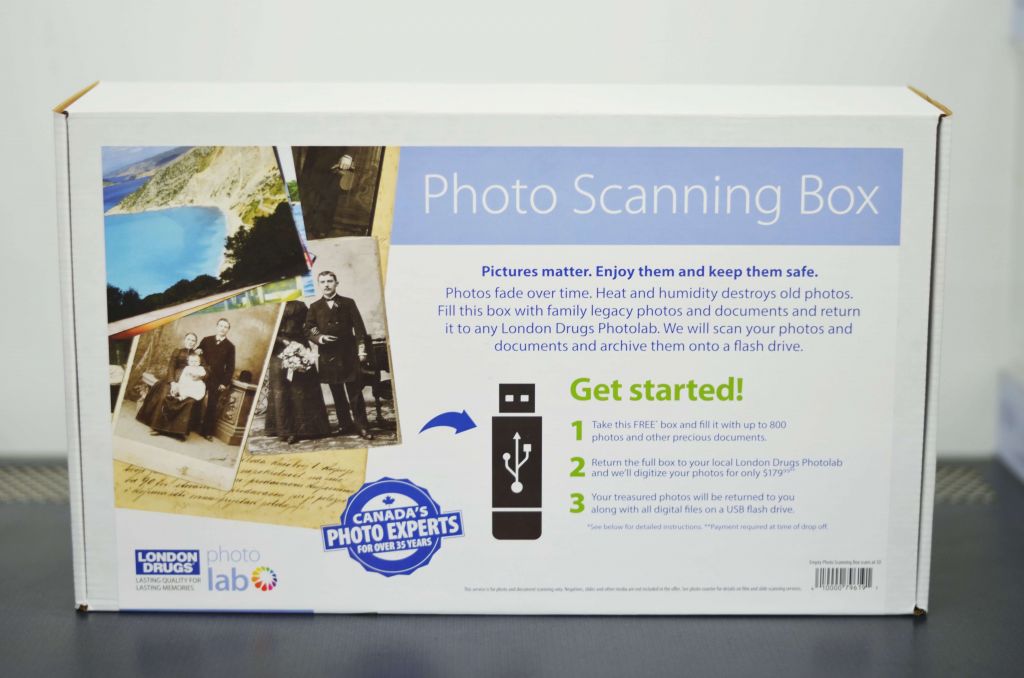
You can also turn your old Christmas photographs into digital copies that can be featured on your greeting cards. We can digitize those photos for you with our Photo Scanning Box service. Just pick up a box from your local London Drugs Photolab, fill it with all your print photos, and bring it back the Photolab where our technicians will digitize the photos at high resolution. Your print photos will then be returned to you, along with a USB flash drive storing all your special photos. Then you can simply upload them to our Photolab website or one of our in-store Photolab kiosks to get started with customizing your holiday greeting cards.

Pick a Card Style

Our Photolab’s user-friendly website and in-store kiosks give you every opportunity to customize, which means you have lots of options when it comes to the style of your cards. First, choose between either flat or folded cards. Flat cards have an extensive list of options, including single-sided, double-sided, and postcards. You can even pick a postcard template that is ready to stamp and drop in the mail. If you’d prefer a traditional folded card, we have both regular and premium folded cards in both 5×7 and 7×5.

We are the only local Photolab to use premium card stocks, so your greeting cards are guaranteed to be entirely unique. To make your holiday greeting cards truly stand out, our Photolab also offers 6 specialty papers in addition to our card stock: linen natural white, linen white, matte soft white, matte white, shimmer silver, and shimmer soft gold.

Once you’ve picked your greeting card style, you’ll then be able to choose a template. We have a wide variety of themes available, including Christmas card templates and Hanukkah card templates. Or if you’re feeling extra creative, feel free to go complete-DIY with a blank card.

Write a Personalized Message

To make your cards as personal as possible, add text to any of our greeting cards. You can choose your preferred font and colour, and customize where it will appear. Type a simple season’s greetings that you can easily send out to all of your family and friends, or customize each card with a unique and personal message. Our LDExperts recommend signing the cards by hand after it’s printed, for an extra special touch.


Ready to get a jumpstart on your holiday greeting cards? You can save 10% on your order of greeting cards, calendars and photo books if you order between October 27th and November 1st, 2017. Click here to get started!

If you need some help creating your holiday greeting cards, our Photolab Experts can answer any questions you may have, and walk you through the ordering process. Just visit us at any London Drugs location, in the Photolab department.

10 Places to See Fall Colours in Beautiful Canada

There is something particularly special about the fall season in beautiful Canada. Among our alpine lakes, sky-high mountains, lush forests, and crisp true north air, you can find autumn colours in so many parts of this grand country. So whether you’re heading out on a hike before the snow settles in, or you’d like to admire the red, orange, and yellow hues on Instagram from the comfort of your home, here are ten places you’ll find fall colours in Canada.

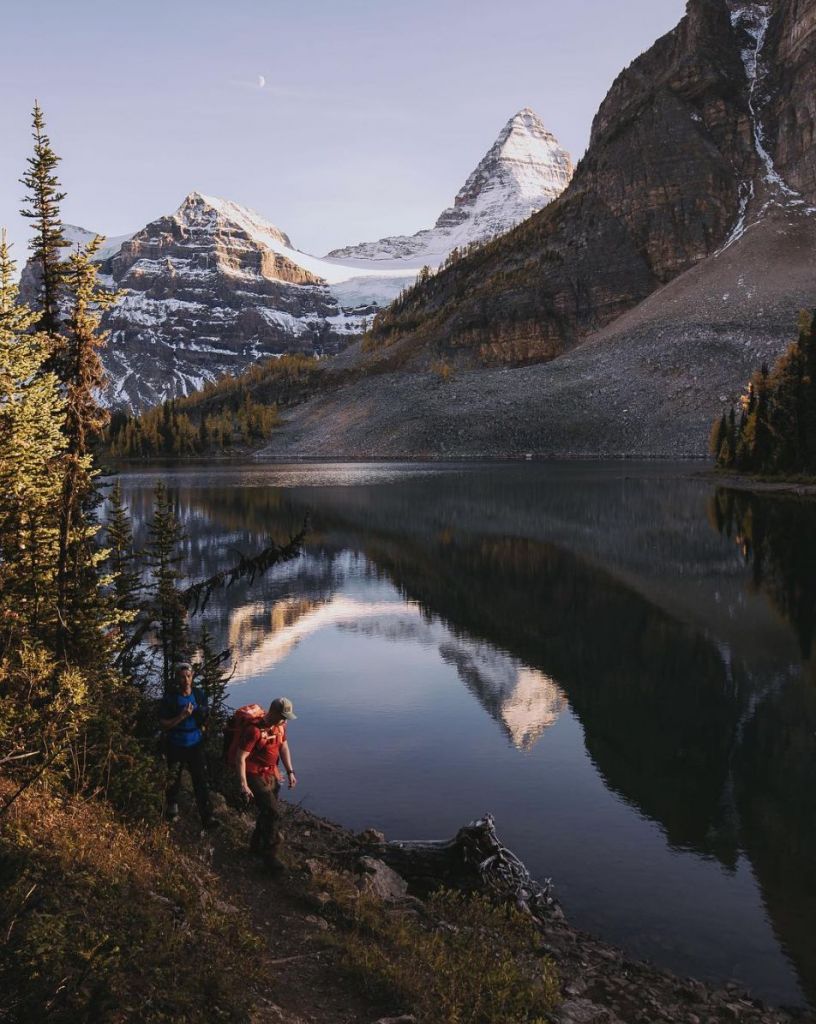
1. Mount Assiniboine Provincial Park

Golden Autumn Day in Canada - London Drugs

Image by @jordanherschel

Head off the grid in Mount Assiniboine Provincial Park, British Columbia, for alpine lakes that reflect the mountains and the changing colours of surrounding trees.

2. The Icefields Parkway

Drive the Icefields Parkway for an endless road lined with autumnal tones of yellow, orange, and dark green.

3. Waterton Lakes National Park

Waterton Lakes National Park - London Drugs Blog

Image by @stevint

Take a walk on the wild side with the scenic Waterton Lakes National Park in Alberta flanked by the Rocky Mountains.

4. Moraine Lake

Moraine Lake - London Drugs Blog

Image by @mblockk

It’s hard to ignore the stunning fall colours glistening on Moraine Lake in Banff National Park, Alberta. How many times have you visited this beautiful place?

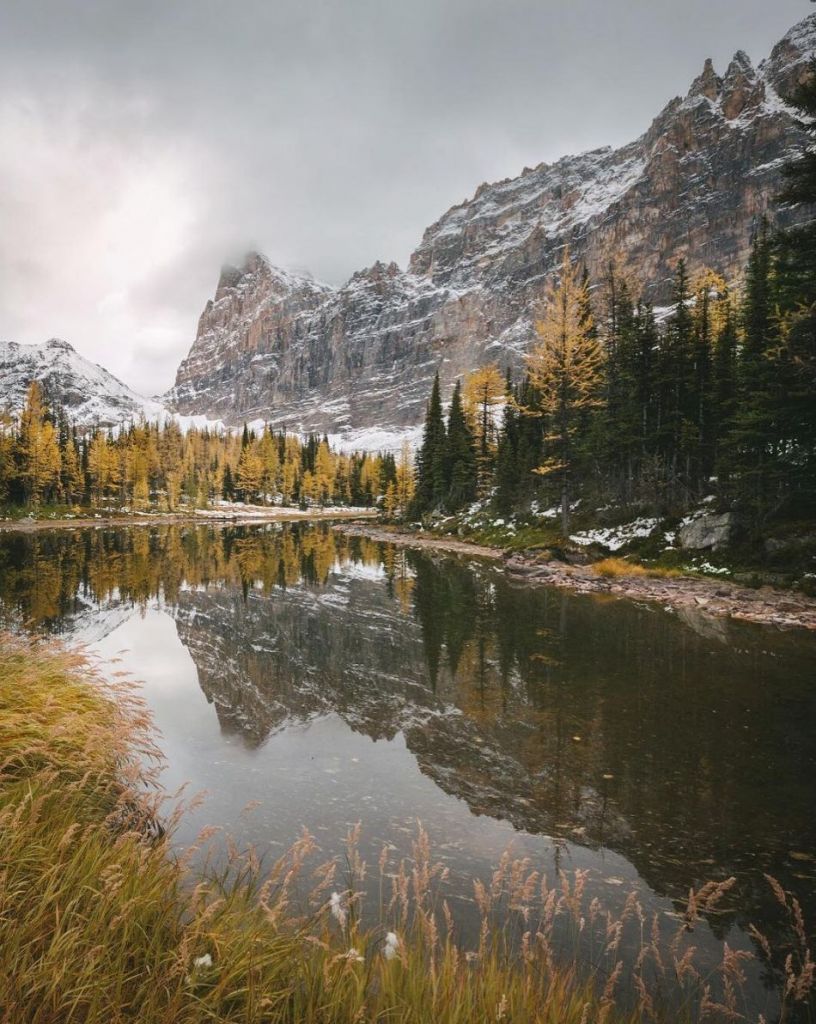
5. Lake O’Hara

Lake O'Hara - London Drugs Blog

Image by @kayitscait

Dive into autumn at Lake O’Hara in Yoho National Park, British Columbia. It might be cold, but it’s almost impossible not to take a quick swim while you’re there.

6. Kootenay National Park

Kootenay National Park - London Drugs Blog

Image by @alexstrohl

Witness fall in the Rockies with the sun lighting up all of the autumn tones. Visit the Kootenay National Park in British Columbia to see the incredible punch of yellow for yourself.

7. Cypress Provincial Park

It’s a beautiful sight from Cypress Provincial Park in Vancouver, British Columbia. Catch the North Shore on a crisp sunny day with the leaves turning all colours of red and orange.

8. The Rockies

Rocky Mountains - London Drugs Blog

Image by @jamieout

Muted fall colours of green and yellow framed by the Rocky Mountains shows just how picturesque the change in seasons can be.

9. Larch Valley

Larch Valley - London Drugs Blog

Image by @jfragasso

Have you had the chance to experience Larch Valley in autumn? Head to Banff National Park in Alberta to find the larch trees turning a brilliant yellow before they shed their needles.

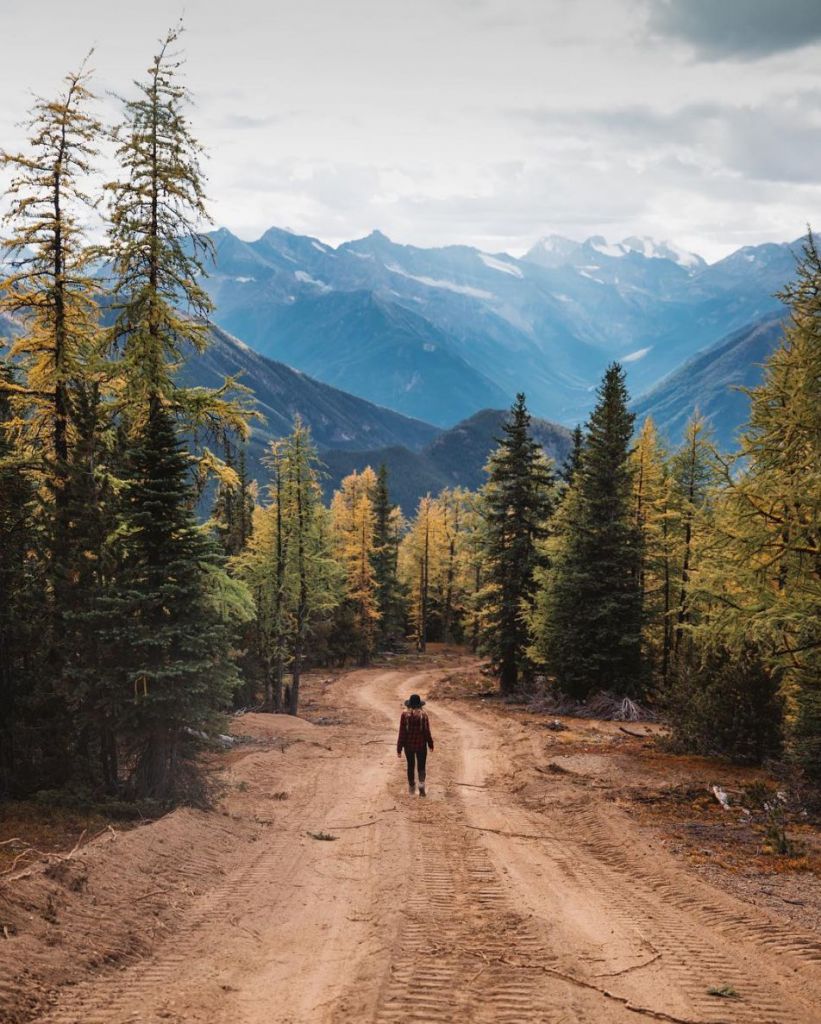
10. Mount Taynton

Mount Taynton - London Drugs Blog

Image by @scottcbakken

The road to autumn is in Mount Taynton, British Columbia, between the trees with the mountains in the distance.

See more pictures of #BeautifulCanada on the @londondrugs Instagram, and happy fall!

October 2017 New Game Releases

October is upon us! A ton of new games are coming out in anticipation of the holiday season and there isn’t a moment to lose so let’s dive right in!

Mario & Luigi: Superstar Saga for Nintendo 3DS

The evil Beanish witch Cackletta has stolen the voice of Princess Peah! Mario and Luigi have to go on an adventure to the Beanbeen Kingdom to get it back! In this update to the classic GameBoy Advance game you’ll get to revisit the story you love with updated graphics and audio, as well as a whole new story that follows Captain Goomba as he gathers minions and rescues Bowser!

Join Mario & Luigi on this classic adventure again on 6th October!

Pre-order your copy now!

READ MORE

Save Your Photos Day: Tips for Safeguarding Your Most Precious Memories

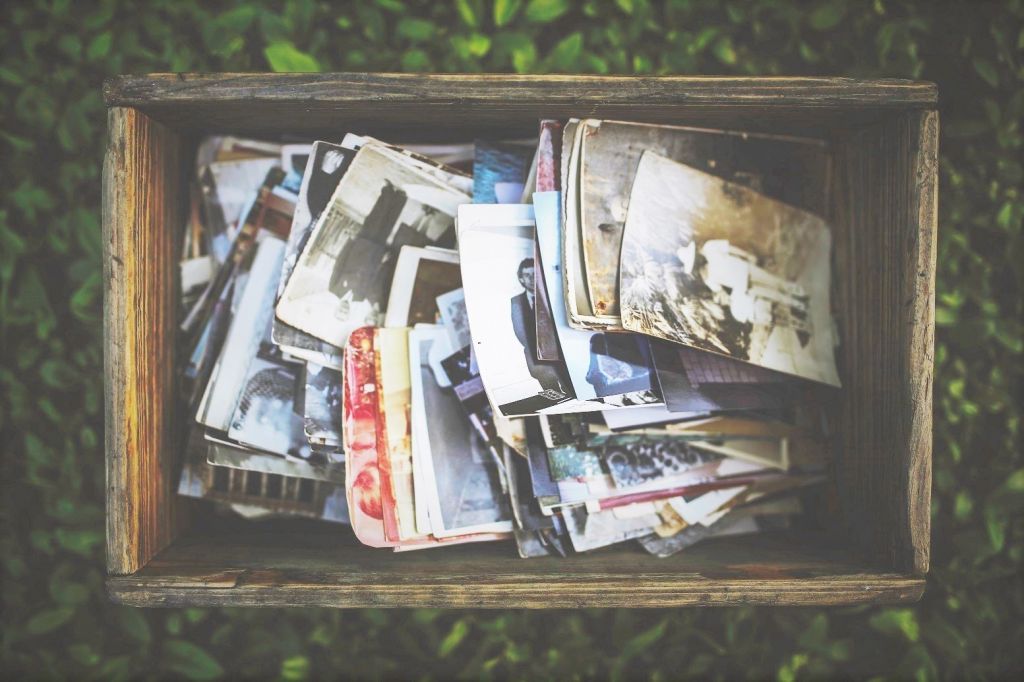
Historic family photos are often relegated in shoeboxes to the attic or basement. Others are proudly showcased in frames hung on the wall, or in photo albums. Whether they’re hidden away or displayed in the home, the reality is that print photographs are susceptible to degradation. National Save Your Photos Day is September 26th, and it’s the perfect opportunity to stop and think about what you can do to protect your precious photo memories.

Environmental factors such as light, heat and humidity can cause photos to fade – especially those taken between 1936 and 1990, due to the methods of film processing used at the time. The other threat to your photos is a disaster such as a fire or flood. Generations worth memories can be destroyed in just moments. Without duplicates or digital backups, those memories will be irreplaceable.

For peace of mind, and to ensure your photos survive the test of time, our LD Experts recommend saving your photos using these helpful steps:

  1. Scan your photos and documents

The first step in preserving and protecting your photos is to digitize them. You can either use an at-home scanner to digitize them yourself one-by-one, or our Photolab can help. Use our Photo Scanning Box service to have mass quantities of your photos digitized all at once. Just pick up a box from our Photolab, take it home and fill it with 800 photos and even old documents like birth certificates, and bring it back to any London Drugs Photolab location. The service is pre-paid for when the box is dropped off: $179.99 per box, which is approximately 22 cents per photo or document. Once our LD Experts are done scanning your photos at high resolution, you can pick up your hard copies as well the USB flash drive with all your digitized photos on it.

  1. Back up your digital photos

With your print photographs now digitized, the next step is to save those digital photos on to your computer as well as an external hard drive or USB flash drive. That way, if your computer crashes for any reason, or a flood destroys it, you’ll still have another digital copy that’s safe and sound. Ideally, store your digital photos on multiple external hard drives. Or consider uploading them to an online drive such as iCloud or Google Drive.

  1. Separate your hard drives

Even if you shoot digital and already keep your photos on a hard drive, our LD Experts recommend backing up your digital files on an extra hard drive and keeping it in a separate location. This will help to avoid losing your digital photos in a fire, flood or other disaster. Consider keeping one in the house and one at a family member’s home.

Once your photos are safe and digitized, the possibilities are endless! Make print copies using a photo printer at home, or easily order prints and enlargements through our Photolab. You can send them to family and friends so they can enjoy those cherished photos too. If you order from our Photolab, you can even have those prints sent directly to their home anywhere in Canada, or to their nearest London Drugs Photolab for pick-up. You can also get creative with all the different ways you can share your images: photo books, calendars, or wall décor just to name a few. Bring new life to old photographs that had previously remained unseen. After all, photo memories are meant to be shared.

To get started, visit the London Drugs Photolab online or in store.


LD Experts: The Best Back To School Tech

The school year is still ramping up, and many students are now realizing they could use some extra tech to help provide an edge in their studies.  

Luckily, London Drugs Tech Expert Julian Sanders recently talked to CTV Morning Live Regina about the best back to school tech for 2017.

Watch the full feature here.

Top Back To School Tech Tips:

A major challenge modern students face is managing their many digital files and documents. One risk is that a precious hard drive could fall and break or become water damaged. For that, a rugged, waterproof hard drive, like this one from Lacie, is a great option.
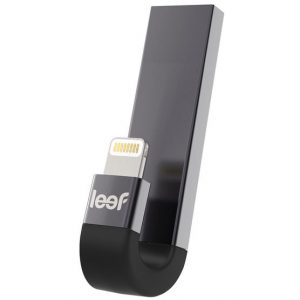
Just transferring files between devices is another frequent challenge, especially when using iPhones or iPads for school work. A possible solution is the Leef iBridge, a special flash drive available in a variety of storage capacities that lets you transfer to these popular devices with ease.

Another common wishlist capability is to easily create digital copies of printed materials on the go…

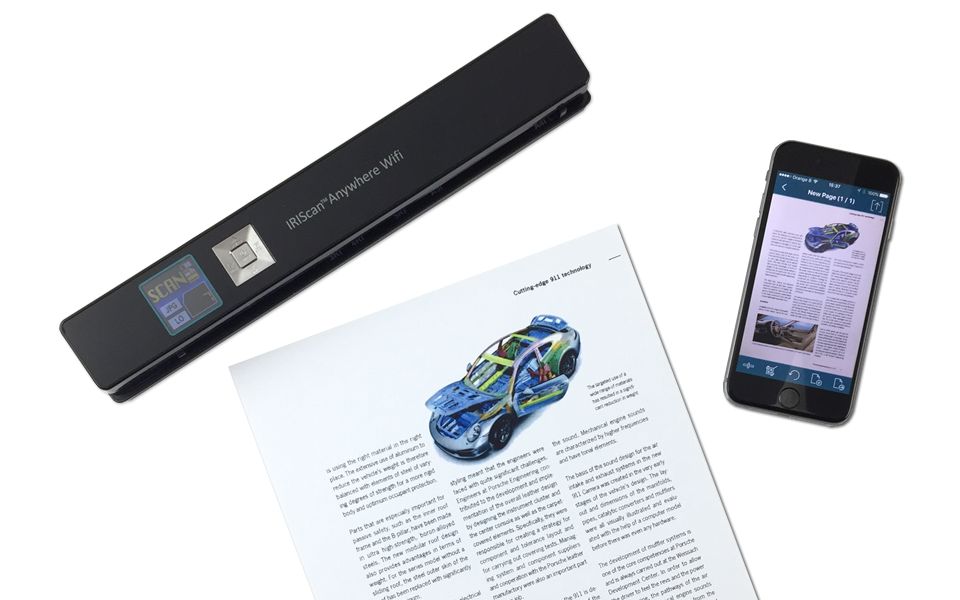
For that, a wireless, wifi-enabled scanner such as the IRIScan Anywhere is incredibly handy. You can create digital scans in seconds and the results are much more legible than a photo or photocopy would be. Plus, these scans can be searched and even manipulated digitally. They’re great for research, letting you scan documents to read later or search later. And for scientific papers, you even scan and analyze data tables.

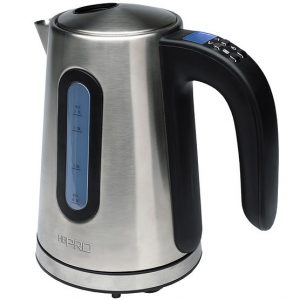
Aside from other staples like tough and affordable laptops and cool new gadgets like handheld printers, there’s a final piece of tech students are just beginning to need this time of year: an electric kettle.

They’re perfect for whipping up a quick oatmeal in the morning or some lunchtime noodles. But they are especially crucial for brewing late-night study fuel in your dorm room.

Have more questions about student tech?

Visit your local London Drugs and ask an LD Expert. And remember, we’re always open 24/7 online.

« Previous Page Next Page »